How to Pay for Apple Music in Nigeria: Available Billing Options
Adekiya Joscor · 27 October 2026
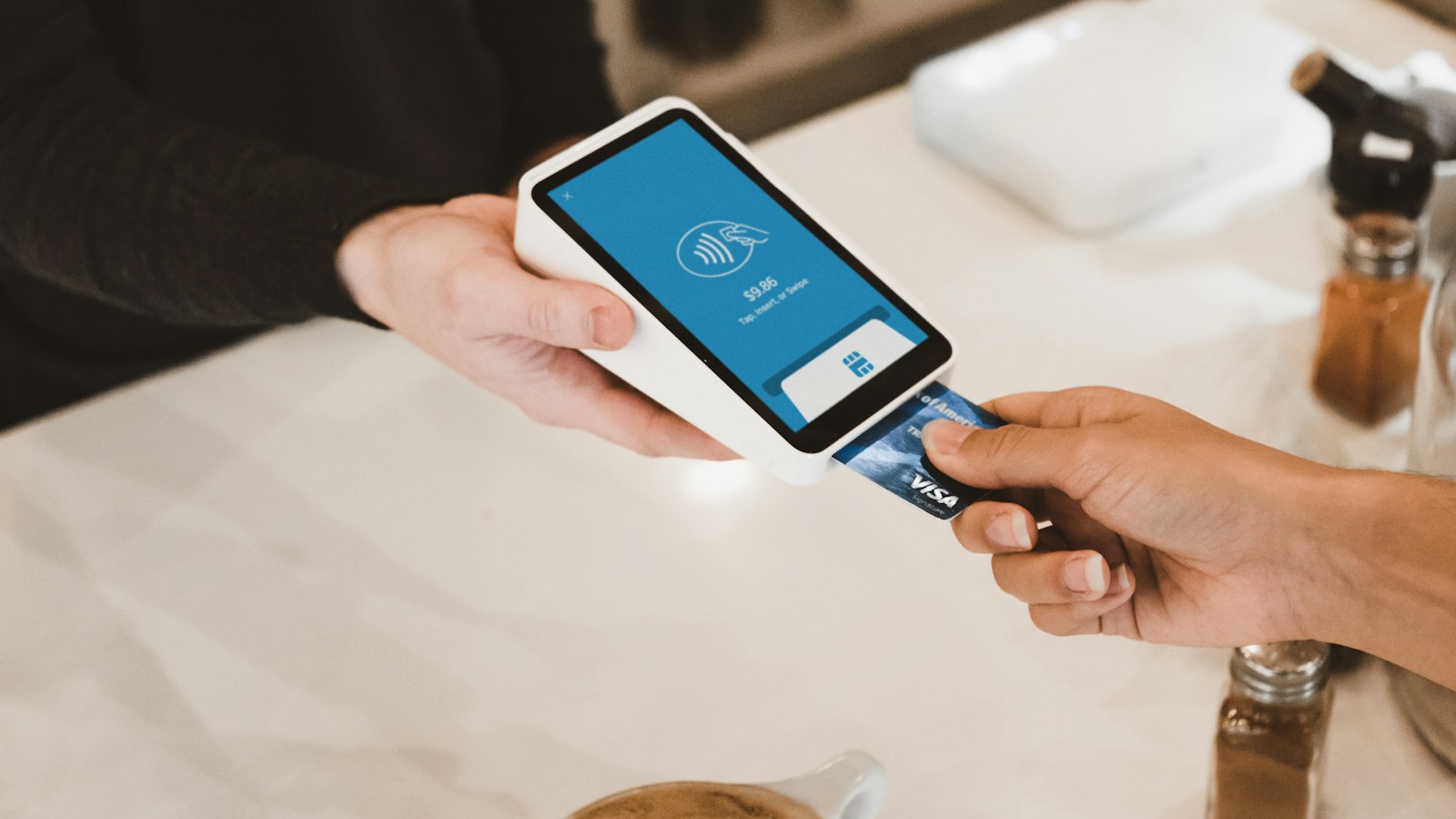
You can pay for Apple Music in Nigeria with a Nigerian debit or credit card added to your Apple Account, with Apple Account balance from gift cards, or with MTN airtime through MTN's Apple Music service. Apple bills in naira on Nigerian accounts, so the main hurdle is usually whether your bank allows the transaction, not currency conversion.
This guide compares the payment routes and how to fix common failures. It reflects Apple's Nigerian payment options and MTN's published instructions as reviewed in October 2026.
Payment options at a glance
- Debit or credit card — Visa, Mastercard and some Verve cards, if your bank permits App Store and international online transactions. Gives access to every plan: Individual, Family and Student.
- Apple Account balance — add funds with Apple gift cards valid for the Nigerian App Store. Useful if your card keeps failing.
- MTN airtime — pay for 30 days at a time from airtime. Individual plan only. See our MTN Apple Music guide.
- Virtual cards — some fintech virtual cards work with Apple; check fees and whether the card supports recurring payments.
Paying with a card: step by step
On iPhone or iPad
- Go to Settings > your name > Payment & Shipping (or Payment Methods).
- Tap Add Payment Method and enter your card details. Make sure the billing address is in Nigeria.
- Open the Music app and choose a plan.
On Android
- Open Apple Music and tap Try it now or the subscription option.
- Sign in with your Apple Account.
- Add or confirm a card when asked, then confirm the plan.
Why your card might be declined
- Online or international transactions are disabled. Many Nigerian banks require you to enable them in the bank app.
- Spending limits. Card limits for online or foreign merchants may be too low or already used up.
- Verve compatibility. Some Verve cards do not work with Apple; try a Visa or Mastercard.
- Country mismatch. Your Apple Account region must be Nigeria to pay with a Nigerian card and naira pricing.
- Unpaid balance. An earlier failed App Store charge can block new purchases until settled.
Our guide on why Nigerian cards fail for subscriptions goes into each of these in detail.
Paying with Apple gift cards
Redeem a Nigerian App Store and iTunes or Apple gift card in the App Store (tap your profile, then Redeem Gift Card or Code). The balance pays for Apple Music automatically. Only buy gift cards from trusted sellers, and make sure they are for the Nigerian region, because gift cards from other countries will not redeem on a Nigerian account.
Keep enough balance for each renewal. If the balance runs short, Apple tries your card, if one is on file, or pauses the subscription.
Paying with MTN airtime
Text P to 8000, or use the myMTN app or MTN Play, and confirm the price shown. This is the easiest route if you have no card, but it supports only the individual plan, and renewal depends on having enough airtime.
Which payment route should you choose?
- You have a working card — pay Apple directly. You get every plan, including Family and Student.
- Your card keeps failing — try another bank's Visa or Mastercard, or use Apple gift card balance.
- You have no card — MTN airtime billing.
- You pay for iCloud+ — check the discounted Apple Music price offered to iCloud+ subscribers. See our Apple Music price guide.
Managing and stopping payments
Check your active subscriptions in Settings > your name > Subscriptions on iPhone, or Account > Manage Subscription in Apple Music on Android. To stop payment, cancel at least 24 hours before renewal. MTN subscriptions are cancelled by texting STOP MUSIC to 8000.
If you see an Apple charge you do not recognise, review your purchase history at reportaproblem.apple.com and contact your bank if needed.
Paying in naira through a marketplace
The DiscountZAR music marketplace lists music subscriptions you can pay for in naira by transfer or card. Read each listing for the access type, duration and renewal terms before buying.
Common questions
Can I pay for Apple Music with a Verve card?
Sometimes, but compatibility varies. A Visa or Mastercard is more reliable.
Is Apple Music charged in dollars?
No. Nigerian Apple Accounts are billed in naira.
Can I pay with bank transfer?
Not directly to Apple. Use a card, gift card balance or MTN airtime.
Summary
The simplest way to pay for Apple Music in Nigeria is a Visa or Mastercard with online payments enabled. If that fails, use Apple gift card balance, or switch to MTN airtime billing for the individual plan.